
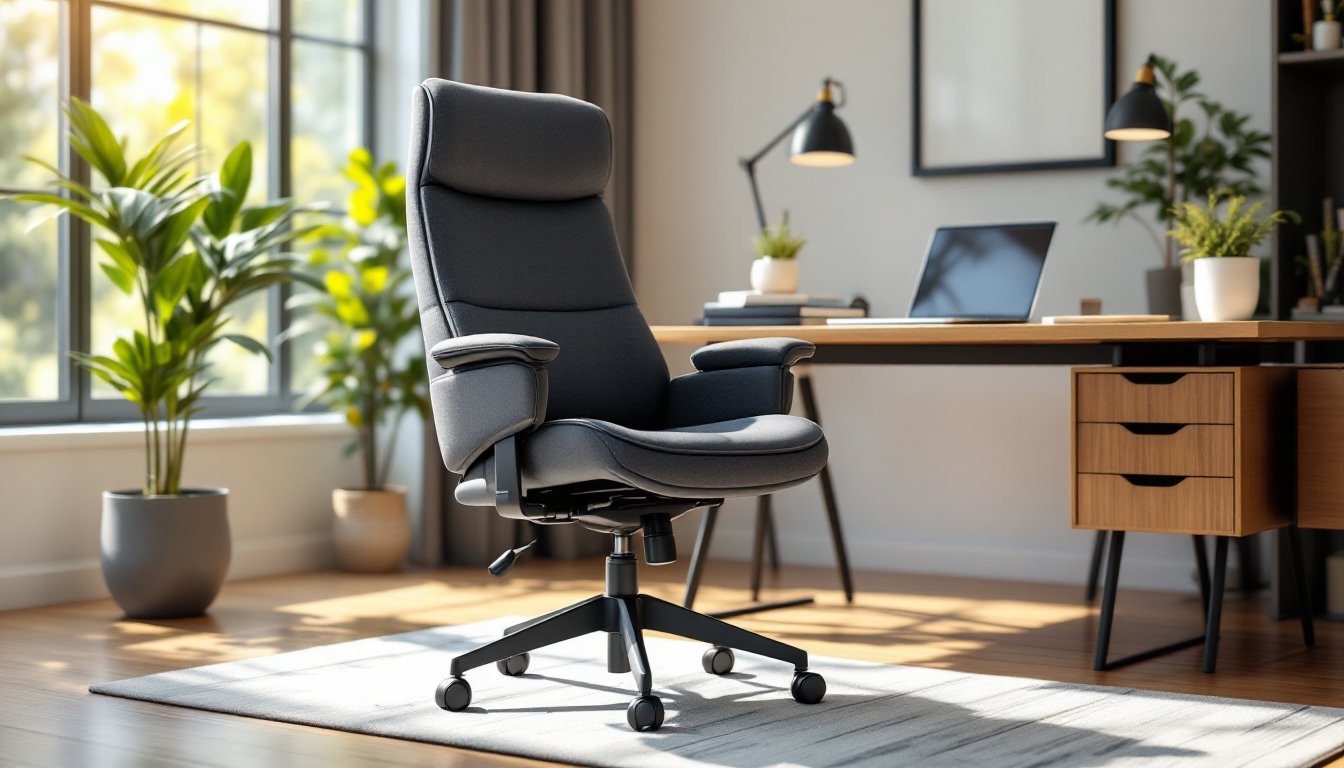
When a standard office chair starts creaking and the armrests feel like they’re closing in, it’s time to upgrade to something built for the job. A big and tall office chair rated for 500 lbs isn’t just about weight capacity, it’s about frame integrity, seat width, and components that won’t fail after six months of daily use. Whether someone’s working from home full-time or assembling a dedicated workspace, choosing the right heavy-duty chair means understanding what separates marketing claims from actual structural engineering.
Table of Contents
ToggleKey Takeaways
- A 500 lbs office chair must pass both static and dynamic load tests with a 20-30% safety margin to ensure frame integrity, welded joints, and reliable gas lift cylinders under daily use.
- Big and tall office chairs should feature 20-24+ inch seat widths, full backrest support extending to shoulder blades, and lumbar support that adjusts to individual spine curves for proper ergonomic alignment.
- Proper setup and maintenance—including correct seat height, lumbar positioning, armrest adjustment, and periodic bolt tightening—maximizes comfort and extends the lifespan of heavy-duty office seating.
- Choose upholstery rated for 100,000+ double rubs, reinforced steel or aluminum frames with welded connections, and Class 4 gas cylinders to avoid premature wear on a 500 lbs capacity chair.
- Warranty coverage of 5-7 years on frames and mechanisms signals manufacturer confidence in build quality, whereas shorter warranties or commercial-use exclusions indicate lower-grade components prone to failure.
Why Weight Capacity Matters in Office Chairs
Weight capacity isn’t arbitrary. It reflects the combined strength of the chair’s base, gas lift cylinder, frame welds, and fasteners under sustained load. A chair rated for 250 lbs that’s pushed to 300 lbs daily will experience accelerated wear, bent support brackets, failing hydraulics, and cracked seat pans.
Manufacturers test capacity using static and dynamic loads. Static testing measures how much weight the chair holds when stationary. Dynamic testing simulates real use: leaning back, shifting weight, rolling across the floor. A 500 lb capacity rating means the chair passed both tests with a safety margin, typically 20-30% above the stated limit.
Beyond avoiding catastrophic failure, proper capacity affects comfort. A chair operating near its limit compresses cushioning faster, bottoms out suspension mechanisms, and puts undue stress on pivot points. Choosing a chair rated well above the user’s weight ensures longevity and maintains ergonomic support throughout its lifespan.
For home office setups, this distinction matters even more. Unlike commercial environments with maintenance contracts, a home chair needs to last years without professional servicing. Investing in verified capacity prevents the cost and disruption of premature replacement.
Key Features to Look for in a 500 lb Capacity Office Chair
Not all heavy-duty chairs meet the same build standards. Here’s what separates reliable designs from rebranded budget models.
Reinforced Frame Construction
The frame is the skeleton. Look for steel or aluminum alloy frames with welded joints, not bolted plastic brackets. Welds distribute stress across a broader area than bolt holes, which create weak points under repeated load.
Key reinforcement zones include:
- Seat pan support: Should feature cross-bracing or a reinforced plate, not a thin stamped pan
- Backrest mounting: Metal-to-metal connections with grade 8 bolts (marked with six radial lines on the head)
- Tilt mechanism housing: Cast steel or forged aluminum, not injection-molded plastic
- Base: Five-star bases in heavy-gauge steel or reinforced nylon composite, with a diameter of at least 27-28 inches for stability
Inspect gas lift cylinders, these control seat height. Class 4 cylinders (the highest BIFMA rating) handle heavy use without leaking or sudden drops. Cheaper Class 2 cylinders may meet static load tests but fail under daily cycling.
Casters matter too. Look for rollerblade-style or polyurethane wheels rated for the chair’s capacity. Standard plastic casters crack under heavy loads and damage flooring.
Wider Seat and Enhanced Cushioning
Seat width directly impacts comfort and proper posture. Standard office chairs typically measure 17-19 inches wide. Big and tall models should offer 20-24 inches or more, allowing users to sit without perching on the edge or feeling pinched by armrests.
Cushioning is a balance. Too soft, and the user sinks through to the seat pan within months. Too firm, and pressure points cause discomfort during long sessions. Quality chairs use high-density molded foam, typically 2.5-3 lbs per cubic foot, which compresses slightly but recovers its shape.
Some manufacturers layer memory foam over high-density bases, combining initial comfort with long-term support. Avoid chairs with cheap polyfoam or fiber fill, which flatten quickly and don’t provide even weight distribution.
Waterfall seat edges (gently rounded fronts) reduce pressure on the backs of thighs, improving circulation during extended sitting. This feature is especially important for taller users who need deeper seat pans, typically 20-22 inches from front to back versus the standard 17-18 inches.
Top Materials and Build Quality for Durability
Materials determine whether a chair lasts two years or ten. Here’s where to focus attention.
Upholstery: Bonded leather looks appealing but peels and flakes within 12-18 months, especially on high-contact areas. Better options include:
- Top-grain leather: Durable and ages well, but requires occasional conditioning
- Commercial-grade fabric: Tightly woven polyester or nylon blends resist abrasion and breathe better than vinyl
- Mesh: Keeps users cool but must be reinforced with double-layered panels on big and tall chairs
Fabric is often rated in double rubs (Wyzenbeek test) or cycles (Martindale test). For home office use, aim for 100,000+ double rubs. Contract-grade fabrics start around 250,000.
Armrests: Fixed-height plastic armrests crack under lateral stress. Look for height-adjustable, width-adjustable arms with steel cores and polyurethane padding. Some designs from furniture specialists feature armrests that pivot inward or outward, accommodating different shoulder widths.
Hardware: All adjustment levers, knobs, and tension controls should be metal. Plastic mechanisms strip threads and break after moderate use. Paddle-style levers are easier to operate than twist knobs, especially for users with limited hand strength.
Warranty coverage offers insight into build confidence. Reputable manufacturers provide 5-7 year warranties on frames and mechanisms, with 2-3 years on upholstery and foam. Shorter warranties or exclusions for “commercial use” signal lower-quality components.
Ergonomic Considerations for Big and Tall Users
Ergonomics aren’t one-size-fits-all. Big and tall users face specific challenges that standard ergonomic advice doesn’t address.
Lumbar support needs to be both adjustable and substantial. A thin plastic pad won’t provide meaningful support for a larger torso. Look for chairs with adjustable lumbar depth and height, allowing the support to align with the natural curve of the lower spine. Some heavy-duty models incorporate inflatable lumbar bladders or mechanical linkages that increase support as the user reclines.
Backrest height should extend to at least the shoulder blades for users over 6 feet tall. Full backs (24+ inches tall) provide better support than mid-backs for extended sitting. The backrest should also recline smoothly through a range of 110-135 degrees, with adjustable tension so it doesn’t snap forward or require excessive force to lean back.
Armrest positioning affects shoulder and neck strain. Armrests should adjust from 7-12 inches above the seat, allowing users to rest forearms with shoulders relaxed and elbows at roughly 90 degrees. Fixed or low-range armrests force taller users to hunch or leave arms unsupported.
Seat height range is critical. Standard chairs adjust from 16-20 inches. Big and tall models should offer 18-23 inches or more, ensuring taller users can plant feet flat while maintaining proper knee angle (90-100 degrees). Those using standing desk converters or adjustable-height desks need even greater range.
Footrests can help shorter users achieve proper posture when a higher seat is necessary to fit under a desk, but they’re a workaround, proper seat height is always preferable.
Setting Up Your Heavy-Duty Office Chair for Maximum Comfort
Even the best chair performs poorly if set up wrong. Here’s how to dial in adjustments.
Start with seat height. Sit all the way back. Feet should rest flat on the floor with thighs parallel to the ground or angled slightly downward. If knees are higher than hips, raise the seat. If feet dangle, lower it. Use a footrest only as a last resort.
Adjust seat depth (if available). There should be 2-3 inches of clearance between the back of the knees and the seat edge. Too much gap and lumbar support moves too far back. Too little and the seat edge cuts off circulation.
Set lumbar support by positioning it at the small of the back, where the spine curves inward. This isn’t the same height for everyone. Adjust up or down until it feels like gentle, even pressure, not a hard knob poking one spot.
Configure armrests so forearms rest lightly with shoulders relaxed. Armrests shouldn’t lift shoulders or force elbows to wing out. If they interfere with desk height or keyboard position, swing them out or remove them entirely. Bad armrests are worse than none.
Tune recline tension by sitting back and relaxing. The chair should support the movement without snapping forward when releasing pressure, but shouldn’t require significant effort to recline. Most mechanisms have a knob under the seat, turn clockwise to increase resistance.
Check caster movement on the floor surface. Soft casters (rubber or polyurethane) work best on hard floors. Hard casters (nylon) are for carpet. Using the wrong type makes rolling difficult and damages flooring. Many builders who share DIY workspace setups recommend chair mats for mixed-surface areas, especially over laminate or engineered wood.
Tighten all bolts after initial assembly, then recheck after one week of use. Joints settle under load, and loose hardware accelerates wear. Keep an Allen key set and adjustable wrench nearby for periodic maintenance.
Safety reminder: When adjusting gas lift height, never look directly at the cylinder or lean your face over the mechanism. While rare, cylinder failures can be violent. Always wear safety glasses when performing any chair disassembly or repair.
For those customizing home office furniture, creative workspace hacks often include clever cable management and desk riser solutions that pair well with ergonomic seating adjustments, creating a cohesive workstation that supports productivity without sacrificing comfort or safety.

