
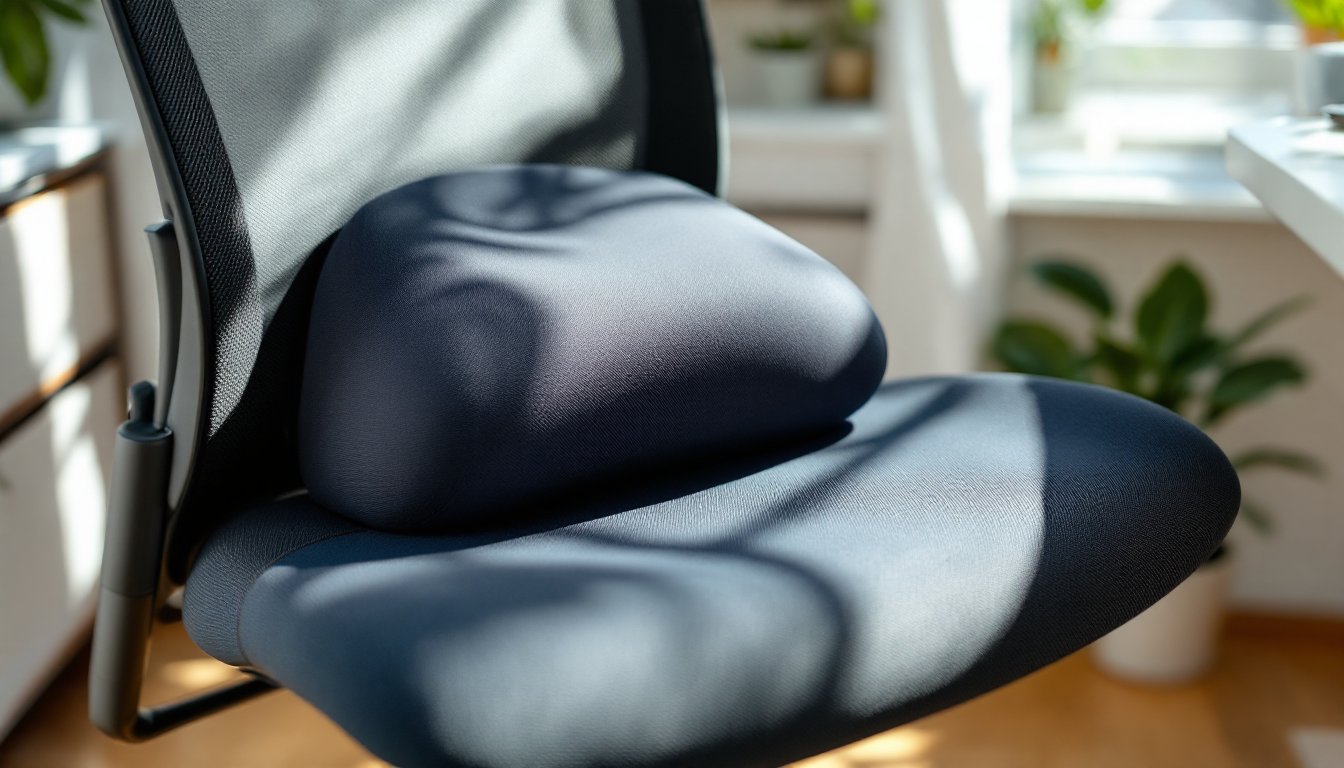
Hours parked in an office chair can turn a productive workday into a test of endurance. Lower back aches, stiffness between the shoulder blades, and that nagging tailbone throb aren’t just annoyances, they’re signals that the chair isn’t doing its job. Before shelling out hundreds for a new ergonomic throne, a well-chosen cushion can bridge the gap between a mediocre seat and genuine support. This guide cuts through the marketing hype to show exactly how cushions address back pain, what types target specific problem areas, and how to position them for real relief.
Table of Contents
ToggleKey Takeaways
- An office chair cushion for back pain works by restoring spinal alignment and redistributing pressure, with lumbar cushions filling gaps in the backrest and seat cushions preventing tailbone compression.
- Cushion density is the most critical factor for longevity—aim for 3–5 PCF memory foam or 1.8–2.5 PCF polyurethane to avoid bottoming out within months.
- Wedge cushions reduce disc pressure by up to 30% through forward pelvic tilt, while coccyx cutouts eliminate direct tailbone pressure for chronic pain relief.
- Proper positioning requires placing lumbar cushions at the belt line (1–2 inches above the pelvis), keeping seat cushions flush against the backrest with no gaps, and ensuring front edges stop 2–3 inches before the knees.
- Removable, machine-washable covers and non-slip bottoms are essential features, and CertiPUR-US certification limits harmful VOCs and off-gassing for safer long-term use.
- Re-evaluate cushion positioning weekly during the first month as foam breaks in and conforms, with small adjustments of a half-inch or tighter straps making the difference between comfort and active pain relief.
Why Your Office Chair May Be Causing Back Pain
Most office chairs, even pricier models, ship with one-size-fits-all dimensions that ignore individual spinal curves. The backrest might hit too high or too low for the lumbar region, leaving the natural S-curve of the spine unsupported. Gravity does the rest, pulling shoulders forward and compressing discs.
Flat or worn-out seat padding is another culprit. A seat that bottoms out forces weight onto the coccyx (tailbone) and ischial tuberosities (sit bones) instead of distributing pressure across the thighs. Over time, this triggers muscle fatigue in the lower back as stabilizers work overtime to compensate.
Depth and tilt matter, too. A seat pan that’s too deep pushes the user forward, eliminating lumbar contact. A fixed angle can lock the pelvis into anterior or posterior tilt, both of which stress the sacroiliac joint and lumbar vertebrae. Factory foam also degrades, what felt supportive two years ago may now compress to half its original thickness.
Finally, armrest height and seat height mismatches force awkward postures. If armrests are too high, shoulders hike up, tensing the trapezius muscles. Too low, and users slump to reach them. The ripple effect lands squarely in the mid and lower back.
How Office Chair Cushions Relieve Back Pain
A cushion corrects mismatches between chair geometry and body mechanics. Lumbar cushions fill the gap between the backrest and lower spine, maintaining the natural lordotic curve (the gentle inward arch). This keeps vertebrae stacked properly, reducing strain on ligaments and discs. Think of it as shimming a wobbly table leg, you’re restoring the intended alignment.
Seat cushions redistribute pressure. Memory foam, gel, or high-density polyurethane spreads weight across a larger surface area, lowering peak pressure points on the coccyx and sit bones. Some designs include a coccyx cutout, a U-shaped or wedge-shaped void that suspends the tailbone, eliminating direct contact. This is particularly effective for anyone recovering from a fracture or dealing with chronic tailbone pain.
Wedge cushions tilt the pelvis forward slightly, encouraging a neutral spine position without active effort. A four- to six-degree forward tilt can reduce disc pressure by up to 30% compared to a flat seat, according to ergonomic studies. It’s a passive correction, the geometry does the work.
Breathable covers and moisture-wicking fabrics keep the cushion from becoming a heat trap. Overheating leads to fidgeting, which breaks posture and undoes the benefits. Look for mesh or ventilated foam if working in warmer climates or during extended sessions. The right cushion doesn’t just add comfort, it changes how the body interacts with the chair, turning a static seat into a dynamic support system.
Types of Office Chair Cushions for Targeted Back Support
Lumbar Support Cushions
Lumbar cushions attach to the backrest and range from two to five inches thick at the peak. Contoured models (often called D-shaped or kidney-shaped) follow the spine’s natural curve. Flat rectangular versions work for chairs with deep backrests but less pronounced lumbar zones.
Memory foam conforms slowly, molding to individual contours over 10–15 minutes of use. It’s ideal for static sitting but can feel too soft for users who shift positions frequently. High-density polyurethane offers firmer, more immediate support and better resilience, it bounces back faster between posture changes.
Some lumbar cushions include adjustable straps with buckles or elastic loops. Straps prevent sagging or migration during the day, especially on mesh-back chairs where there’s no solid surface to anchor against. Avoid models with thin, non-adjustable bands, they slip within an hour.
For home office setups that double as creative workspaces, dual-layer lumbar cushions add versatility. A firm core provides structure, while a gel or foam overlay cushions bony prominences along the spine. This hybrid approach suits users alternating between focused desk work and relaxed tasks like sketching or reviewing documents.
Seat Cushions and Coccyx Pads
Seat cushions come in three main profiles: flat, wedge, and coccyx relief. Flat cushions (typically 2–3 inches thick) add pure padding without altering pelvic angle. They’re the simplest fix for worn-out factory foam but won’t address postural issues.
Wedge cushions taper from 3–4 inches at the back down to 1–2 inches at the front. This gentle slope tilts the pelvis forward, opening the hip angle and reducing lumbar strain. They’re particularly useful for users with tight hamstrings or those who tend to slouch. Be cautious with steeper wedges (over six degrees), they can cause anterior pelvic tilt and increase lower back curve beyond the neutral range.
Coccyx pads feature a U-shaped or V-shaped cutout at the rear. The void suspends the tailbone, removing direct pressure. Thickness matters here: a 3-inch pad provides better clearance than a 2-inch model, especially for users over 180 pounds. Some designs combine the wedge profile with a coccyx cutout, addressing both pelvic tilt and tailbone relief.
Gel inserts are common in higher-end seat cushions. Gel layers (usually ½ to 1 inch thick) sit atop foam, absorbing micro-movements and vibration. They don’t compress as dramatically as foam alone, maintaining consistent support through multi-hour sessions. The trade-off is weight, gel cushions often exceed four pounds, making them less portable.
Non-slip bottoms are non-negotiable. Rubberized textures or silicone grips prevent the cushion from sliding forward during sit-to-stand transitions. Mesh or vinyl-backed models may need a separate gripper pad, especially on leather or faux-leather chairs.
Key Features to Look for When Choosing a Back Pain Cushion
Density is the single biggest predictor of longevity and support. For memory foam, aim for 3–5 pounds per cubic foot (PCF). Anything under 3 PCF will bottom out within months. High-density polyurethane should clock in at 1.8–2.5 PCF or higher. Manufacturers don’t always list density, if it’s missing, check return policies.
Cover material affects both durability and hygiene. Removable, machine-washable covers are essential for long-term use. Polyester blends resist pilling and dry quickly, while bamboo-derived rayon offers better moisture-wicking but may shrink if tumble-dried. Zippered covers beat stretch-fit sleeves, they’re easier to remove and reinstall without distorting the foam core.
For those tackling DIY furniture projects, consider cushions with modular designs or replaceable inserts. A cushion with a zippered foam core allows swapping densities or adding gel layers without buying an entirely new unit. It’s the same principle as building furniture with replaceable hardware, plan for future adjustments.
Certifications matter for foam products. Look for CertiPUR-US certification, which limits volatile organic compounds (VOCs), heavy metals, and flame retardants. Freshly manufactured foam off-gasses for 24–48 hours, unbox and air out cushions before use, especially in poorly ventilated spaces.
Weight capacity is often buried in product specs but critical for proper function. A cushion rated for 200 pounds will compress differently under a 250-pound user, reducing effective thickness and support. Most manufacturers design for a 150–250 pound range: heavier users should seek commercial-grade or bariatric-rated options.
Thickness isn’t always better. A 3-inch seat cushion raises the user, which may require adjusting desk height or monitor position to maintain neutral neck and wrist angles. Measure current chair-to-desk clearance before adding height. If the chair already sits high, a 2-inch low-profile cushion prevents awkward arm angles.
How to Position Your Cushion for Maximum Relief
Lumbar cushions belong at the belt line, not the shoulder blades. The thickest part should sit 1–2 inches above the top of the pelvis, nestling into the natural lumbar curve. Too high, and it pushes the mid-back forward, rounding shoulders. Too low, and it forces an exaggerated arch, straining the lower spine.
Tighten attachment straps until the cushion stays put during a full recline-to-upright cycle. Loose straps let the cushion sag or rotate, especially on chairs with flexible backrests. If the cushion has top and bottom straps, cinch the bottom strap first to anchor the base, then adjust the top for tilt.
Seat cushions should sit flush against the backrest with no gap. Slide it all the way back before sitting down. A gap between cushion and backrest tilts the pelvis backward, negating lumbar support. The front edge should stop 2–3 inches before the back of the knees, any closer and it compresses the popliteal artery, restricting circulation and causing leg numbness.
For coccyx pads, center the cutout directly under the tailbone. Sit down slowly and shift side to side until the bone hovers in the void. Mark the position with a piece of tape on the chair if the cushion lacks a non-slip base. Misalignment by even an inch reintroduces pressure, defeating the design.
Wedge cushions taper toward the front, but the high end goes at the back of the seat pan, not the front. Flipping it reverses the pelvic tilt, which can worsen slouching. If the wedge feels too aggressive, try rotating it 180 degrees for a session to confirm the angle suits your posture, some users prefer a reverse wedge for reclined positions.
Adjust chair height after adding a cushion. Feet should rest flat on the floor (or footrest) with knees at a 90-degree angle. Adding 2–3 inches of seat height often means lowering the pneumatic cylinder one or two notches. Monitor height may also need tweaking, top of the screen should align with or slightly below eye level. Taking crafting breaks to stretch and reset posture every 45–60 minutes amplifies the benefits of proper cushion placement.
Re-evaluate positioning weekly for the first month. Foam compresses and conforms as it breaks in, shifting the effective support zone. What felt perfect on day one may need minor adjustments by week three. Small tweaks, half an inch up or down, one strap hole tighter, make the difference between passive comfort and active pain relief.

