
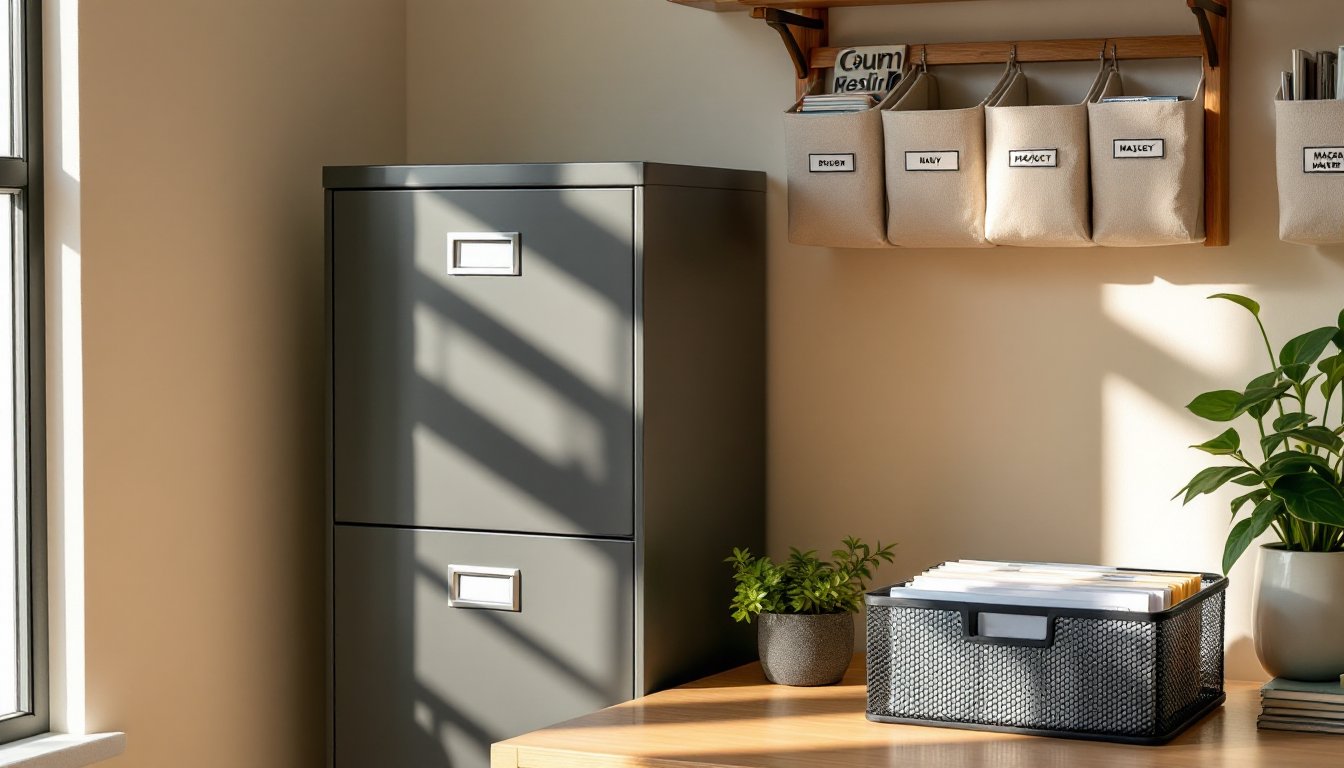
A cluttered desk doesn’t just slow down productivity, it creates stress, wastes time hunting for documents, and makes even simple tasks feel chaotic. When tax season hits or a client needs last year’s invoices, shuffling through piles of loose papers isn’t just frustrating: it’s a liability. Home office file storage isn’t about creating a picture-perfect space that looks good on social media, it’s about building a functional system that keeps critical documents accessible, protected, and out of the way when they’re not needed. Whether working from a spare bedroom, a basement corner, or a dedicated office, the right storage approach can transform a workspace from overwhelmed to under control.
Table of Contents
ToggleKey Takeaways
- Proper home office file storage prevents lost documents, missed deadlines, and compliance issues while protecting sensitive information from physical damage and unauthorized access.
- Choose the right storage solution based on available space: filing cabinets for high volume, wall-mounted systems for small offices, and mobile pedestals for flexible arrangements.
- Metal and fire-resistant filing cabinets offer superior durability and protection compared to particleboard options, though they require consideration of floor load capacity and upfront cost.
- Establish a consistent filing method using categorical or chronological systems with color-coded folders and clear labeling to ensure files remain accessible and retrievable.
- Implement a document retention schedule (seven years for tax records, shorter for most others) and digitize important files with backup systems while keeping original legal documents in fire-resistant storage.
- DIY storage solutions using repurposed furniture, wall-mounted rails, or existing drawers with hanging file systems can provide functional home office file storage on a budget.
Why Proper File Storage Matters in Your Home Office
File storage isn’t just organizational theater, it’s foundational to running a functional home workspace. Poor document management leads to missed deadlines, lost receipts during tax prep, and hours wasted searching for contracts or warranties. For anyone self-employed or managing household finances from home, disorganized files can mean missed deductions or compliance headaches.
Beyond productivity, proper storage protects important documents from damage. Paper deteriorates when exposed to moisture, sunlight, or pests. A solid filing system keeps birth certificates, property deeds, and insurance policies safe from spills, curious pets, or accidental disposal. Fire-resistant filing cabinets add another layer of protection for irreplaceable documents.
Physical space matters, too. Stacks of paper on desks, floors, or shelves eat up valuable real estate and create visual clutter that’s mentally exhausting. Dedicated storage, whether vertical filing cabinets or wall-mounted systems, reclaims square footage and keeps work surfaces clear for actual work.
Finally, privacy and security come into play. Tax returns, medical records, and financial statements shouldn’t sit in open bins or unlocked drawers. Lockable storage options protect sensitive information from unauthorized access, especially in households with kids, roommates, or frequent visitors.
Types of Home Office File Storage Solutions
Filing Cabinets and Drawers
Vertical filing cabinets are the workhorses of home offices. Standard two-drawer units measure about 28 inches tall and fit under most desks, while four-drawer models stand around 52 inches and offer serious capacity. They accommodate letter-size (8.5″ x 11″) or legal-size (8.5″ x 14″) hanging folders. Look for full-extension drawer slides, cheap cabinets use partial-extension hardware that makes it impossible to reach files in the back without removing the entire drawer.
Metal cabinets are more durable and fire-resistant than particleboard or MDF options, though they’re heavier and pricier. For serious document protection, fire-resistant models rated for one or two hours of exposure cost more upfront but safeguard irreplaceable records. These units are significantly heavier due to insulation layers, so factor in floor load if placing one on a second story or over a basement.
Lateral filing cabinets sit wider and shallower than vertical models, with drawers that pull out sideways. They double as credenzas or room dividers and offer a larger top surface for printers or office supplies. Standard widths run 30, 36, or 42 inches. They’re ideal for tight spaces where a vertical cabinet’s depth would block walkways.
Mobile filing pedestals fit under desks and roll on casters for flexibility. Most hold letter or legal hanging files in one or two drawers, with a shallow top drawer for pens and small supplies. Locking casters prevent unwanted movement, which is critical on carpet or uneven flooring.
Desktop Organizers and Shelving Systems
Desktop file sorters handle active projects and current paperwork without requiring a full filing cabinet. Tiered trays, vertical slots, and expanding file pockets keep frequently accessed documents within arm’s reach. Mesh or wire models improve airflow around papers, reducing mustiness in humid climates.
Wall-mounted organizers and shelving systems maximize vertical space without consuming floor area, a critical advantage in small home offices or converted closets. Magazine files, wall pockets, and rail-mounted bins work well for reference materials, catalogs, or project folders that don’t need locked storage. Mount them directly into wall studs using appropriate hardware: drywall anchors alone won’t support a fully loaded file rack.
Cube storage units with fabric bins or wooden boxes offer modular flexibility. Standard cube dimensions are 13 x 13 x 13 inches, fitting most collapsible storage bins sold at home improvement and organization retailers. Label bins clearly and assign categories, don’t let “miscellaneous” become a black hole.
Stackable file boxes work for seasonal storage or archival documents that don’t need daily access. Banker’s boxes (typically 12 x 10 x 15 inches) are inexpensive and collapse flat when not in use, but they’re not moisture-resistant. For long-term storage, plastic file boxes with snap lids protect contents from basement dampness or attic heat.
How to Choose the Right File Storage for Your Space
Start by measuring the actual footprint available. A standard two-drawer filing cabinet needs about 15 inches of depth and 18 inches of width, plus clearance for the drawer to open fully, figure another 18 to 24 inches in front. Tight quarters call for lateral cabinets, wall-mounted systems, or under-desk pedestals instead.
Assess document volume honestly. One banker’s box holds roughly 2,500 sheets of paper. If managing business records, client files, or years of tax returns, a single desktop organizer won’t cut it. Count existing files and estimate growth over the next two to three years to avoid outgrowing storage immediately.
Consider mobility needs. Renovating frequently or renting? Mobile units and modular shelving move more easily than built-ins or heavy metal cabinets. Conversely, permanent home offices benefit from anchored systems that maximize space efficiency.
Security requirements vary by household and profession. Medical, legal, or financial professionals working from home need lockable storage to comply with privacy regulations. Even non-professionals should secure documents containing Social Security numbers, account details, or sensitive correspondence. Basic key locks suffice for most home offices: combination locks eliminate key management but can be slower to access.
Climate matters more than most DIYers realize. Basements and garages experience humidity swings that warp paper and promote mold. If storing files in unconditioned spaces, invest in dehumidifiers or sealed plastic file boxes rather than cardboard or open shelving. Attics get hot enough to degrade adhesives on labels and cause brittle paper, not ideal for long-term archival.
Creative DIY File Storage Ideas on a Budget
Repurposed furniture cuts costs and adds character. Old dressers convert into filing stations, remove one or two drawers and install hanging file rails using aftermarket kits (about $10 to $15 per drawer). Sand and paint the exterior to match the office aesthetic. This approach works especially well for lateral-style filing in bedrooms or living spaces where industrial metal cabinets feel out of place.
Wall-mounted rail systems made from standard 1×4 pine boards and dowel rods create custom file storage for a fraction of retail prices. Cut boards to desired length, drill evenly spaced holes for dowel rods, and mount to wall studs with wood screws. Hang magazine files or canvas pockets from the dowels. Sand and finish the wood with polyurethane or paint to prevent splinters and improve durability.
Recycled crates and bins from hardware stores or farmer’s markets make rustic file holders. Stack and secure them with L-brackets screwed into the crate sides and wall studs. Line interiors with fabric or paint to prevent snags on rough wood. This setup suits casual home offices and craft rooms better than formal client-facing spaces.
PVC pipe cut into short sections (6 to 8 inches) and mounted horizontally on a board creates cubbies for rolled documents, blueprints, or large-format papers. Use a miter saw for clean cuts and deburr edges with sandpaper. Spray paint the assembly before mounting, PVC accepts most paints after light sanding with 220-grit paper.
DIY hanging file frames fit inside existing drawers or open shelving. Purchase adjustable hanging file rails from office supply retailers (around $8 to $12 per set), measure the interior width of the drawer or shelf, and install according to package directions. This trick turns a basic bookshelf or dresser into functional file storage without custom carpentry.
Organizing Your Files: Best Practices and Systems
Pick one filing method and stick with it, alphabetical, categorical, or chronological. Mixing systems within the same cabinet creates confusion and defeats the purpose of organization. For most home offices, a categorical system works best: group files by topic (taxes, insurance, utilities, medical, business clients) and then alphabetize or date within each category.
Use hanging folders for broad categories and interior folders for subdivisions. Label both clearly with a label maker or printed adhesive labels, handwritten labels fade and become illegible over time. Color-coding speeds retrieval: assign one color per major category and use colored hanging folders or label tabs.
Purge files annually. Financial experts recommend keeping tax returns and supporting documents for seven years, but most other paperwork has a shorter lifespan. Bank statements, utility bills, and paid invoices older than one year can usually be shredded unless needed for warranty claims or ongoing disputes. Check retention guidelines specific to document types before discarding anything.
Go digital where practical, but don’t assume scanning eliminates the need for physical storage. Certain legal documents, vehicle titles, notarized contracts, wills, require original signatures. Scan everything for backup, but keep originals in fire-resistant storage. Use a scanner with automatic document feeder (ADF) capability to speed up digitization: manual flatbed scanning becomes a bottleneck that derails good intentions.
Create a “working files” section separate from archival storage. Active projects, pending invoices, or current-year tax documents need frequent access and shouldn’t be buried in deep storage. Desktop sorters or the top drawer of a filing cabinet work well for this purpose. At year-end or project completion, migrate working files into archival storage and clear the active section for new work.
Label everything, including the outside of file boxes and cabinet drawers. When searching for a five-year-old document at tax time, exterior labels save opening every box or drawer in the office. Use consistent labeling formats: “Taxes 2021,” “Insurance – Home,” “Client Files A-G.” Vague labels like “Misc” or “Papers” guarantee future frustration.
Back up digital files to cloud storage or external hard drives. Scanning files is wasted effort if a computer crash wipes them out. Redundant backups, one cloud, one local drive, protect against both hardware failure and service outages.

